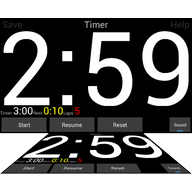
An interval timer that bends to your training
Build any workout out of five kinds of block, put laps inside laps, and read the clock from the other side of the room. Free, without adverts or purchases.
Android 6.0 or newer · no adverts · no in-app purchases · no internet permission
Why it exists
Sports Timer was written in 2013 for a judo club in Bruges, Belgium. The trainer wanted more science in the training, which meant a different set of intervals almost every session. Off-the-shelf timers could do one fixed work/rest pattern; this one lets you build the session you actually planned, save it, and pull it back next week.
It has been rebuilt for modern Android and everything that used to be a paid extra is now simply included.
What it does
Five kinds of block
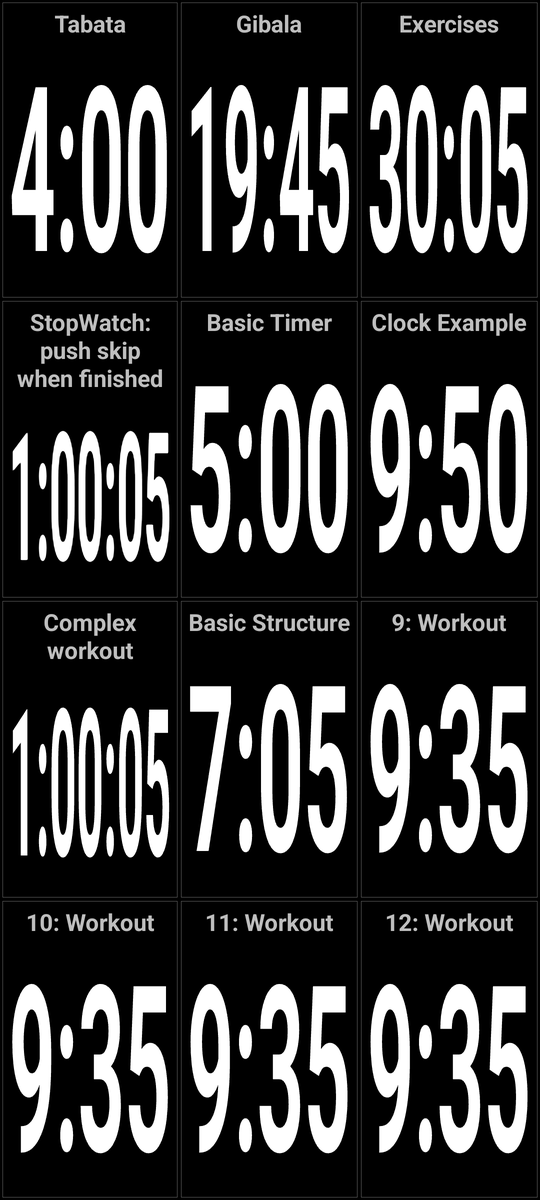
Action, rest, stopwatch, a countdown to a wall-clock time, and laps that repeat whatever sits above them.
Laps inside laps
Nest repeats as deeply as the session needs, or set a lap count below one for an endless loop.
Readable across the room
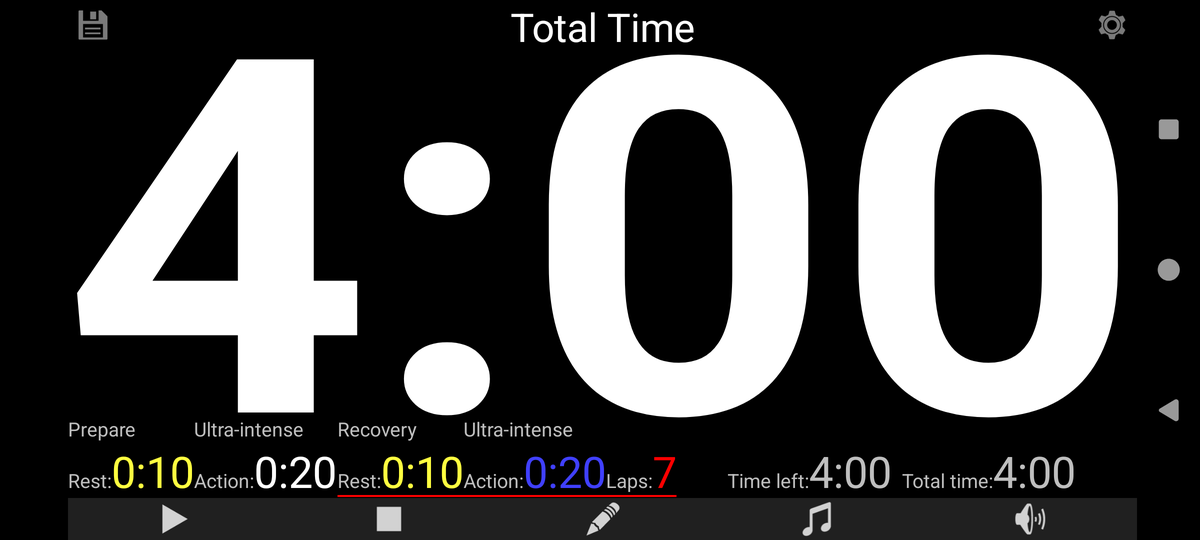
The digits fill whatever screen you give them, phone or tablet, so a whole group can follow one clock.
Your own music
Pick a track or a whole folder with the Android file picker. Different music per block if you want it.
Presets at a swipe
Save the sessions you use often and swipe left on the main screen to load one.
Scheduled start
Have a preset load and start itself at a fixed time on chosen days of the week.
See the full list of features →
The five block types
In use
Made to be read across a room
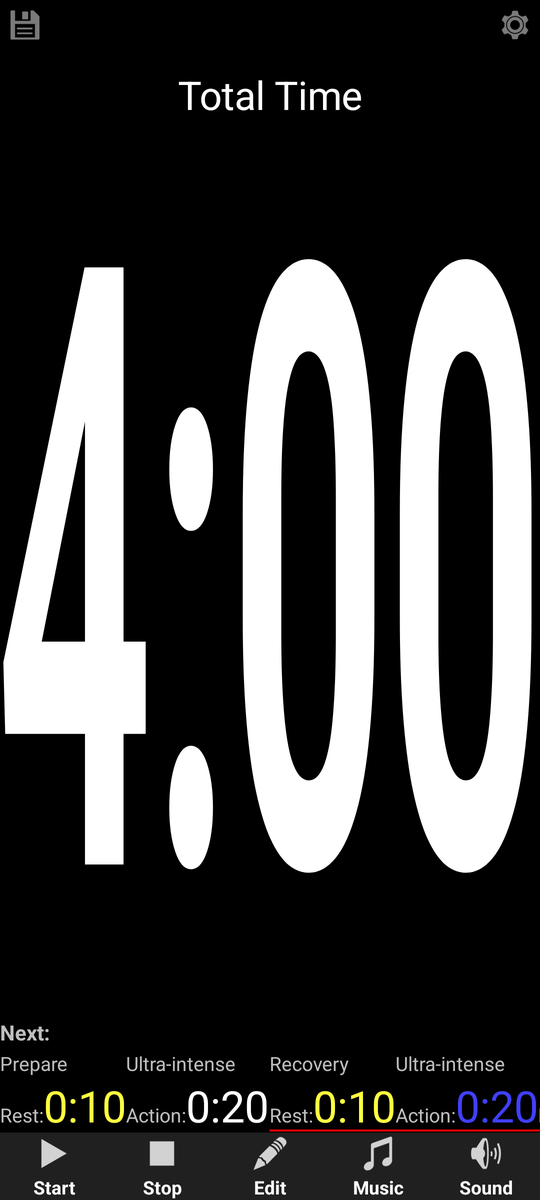
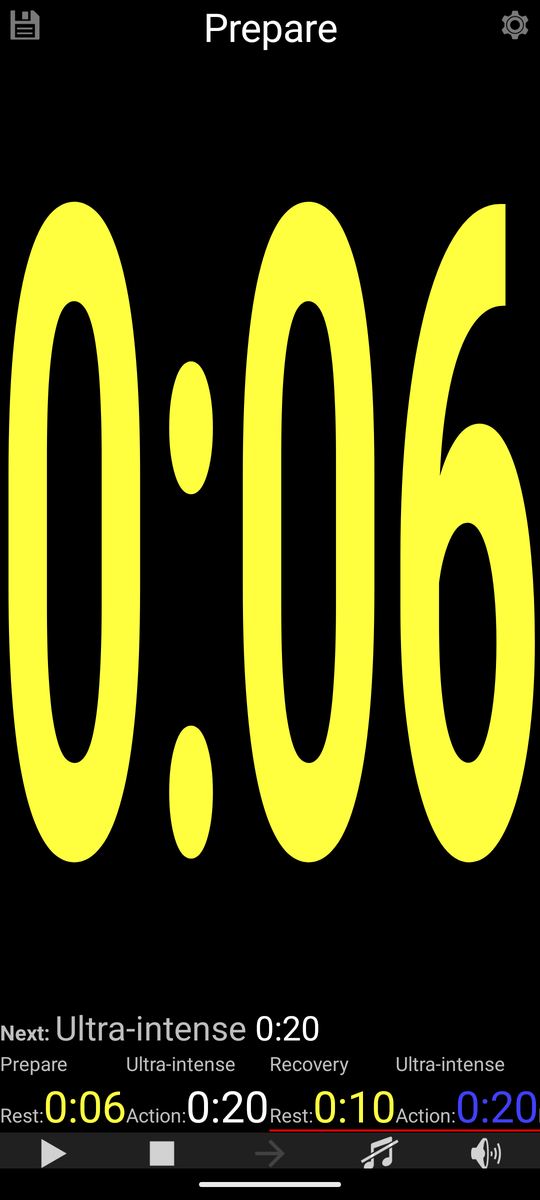
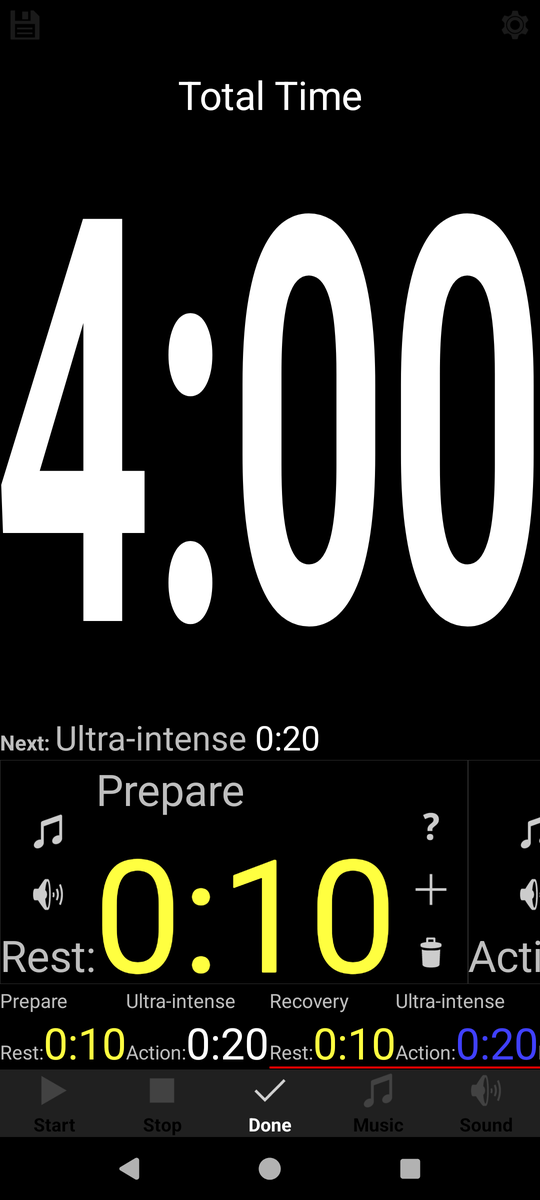
Sports Timer is meant to be looked at from a distance rather than held in your hand. Stand a phone on a table, prop it against a wall, or use a tablet if you have one: the digits fill whatever screen you give them, so everyone in the room follows the same clock.
The rest follows from that. Blocks carry names, so nobody has to ask what is coming next. Presets keep last week's session one swipe away. And a scheduled start lets the programme run itself.
Free, and quietly so
Sports Timer has no adverts, nothing to buy and no account to create. It also has no permission to use the internet, so nothing you do in the app can leave your phone. The privacy policy explains exactly what is stored and where.